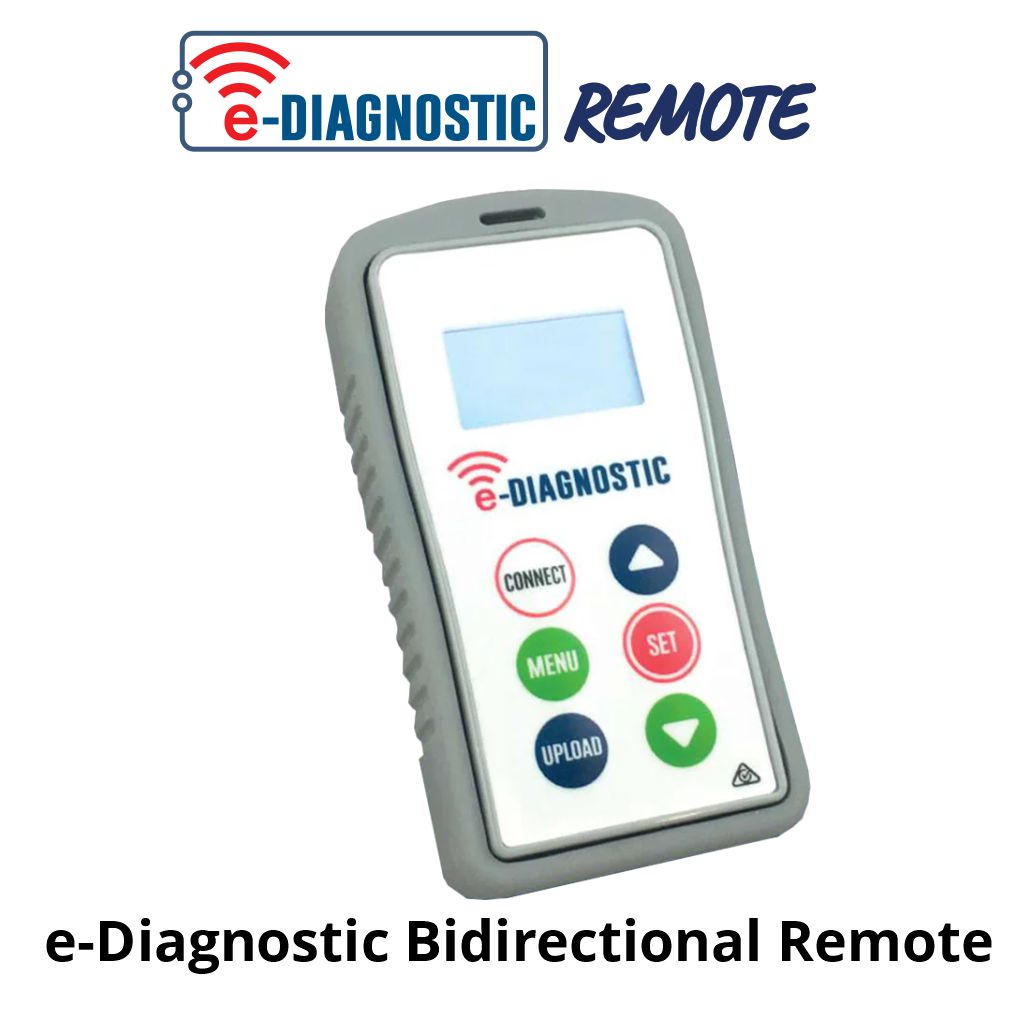
e-Diagnostics Remote
 The Diagnostics Remote is a crucial piece of equipment for any frequent installer, lending the user advanced control over
e-Loop settings and diagnostics for troubleshooting. Adjusting several variables on the e-Loops. Once connected to a loop, you can view live input values, transmitted almost instantaneously from the loops.
The e-Diagnostic Bidirectional Diagnostics Remote is an indispensable tool for installers who work frequently with e-Loop systems. This advanced device provides comprehensive control over e-Loop settings and facilitates precise diagnostics for efficient troubleshooting. Users can easily adjust a wide range of variables associated with the e-Loops, ensuring optimal performance tailored to specific application needs.
Once connected, the remote allows for real-time monitoring, displaying live input values that are transmitted almost instantaneously from each loop. This capability not only enhances the user’s ability to diagnose issues quickly but also enables proactive management of the system, ultimately improving the reliability and efficiency of e-Loop operations. The e-Diagnostic Remote is designed to streamline workflows, making it a crucial addition to any installer’s toolkit.
Introducing the Microtech e-Diagnostic bidirectional remote – the ideal tool for the e-Loop range.
- Graphic LCD display
- Strong and durable IP67-rated casing
- High-Impact PC Casing
- Silicone Rubber Cover
- LCD Backlight
- 433.39 MHz Bidirectional Transceiver
- Operates from 2 x 1.5V AAA Batteries
Batteries
To replace the two AAA batteries, first remove the three screws on the back of the device.
Then remove the plate and replace the two batteries. Then reinstall the plate and screws.

Easy to use | e-Diagnostic Remote
Place the remote on top of the e-Loop, press the Connect button, and you're ready to go.
With easy-to-navigate menu functions, you can:
- Alter the trip level
- Adjust the sensitivity of each Axis
- Calibrate the e-Loop
- Change operational mode
- Monitor operation in real time
- Check for background radio interference

 , Automatic Electric Gate Openers & Video Intercom Packages & Gate Automation and Intercom Combos & Customized Gate Automation Kit Builders